
AfterLimit
ストックにはログインが必要です
Schedule AI Prompts to Auto-Send Later
Artificial Intelligence
Developer Tools
Productivity
Chrome Extensions
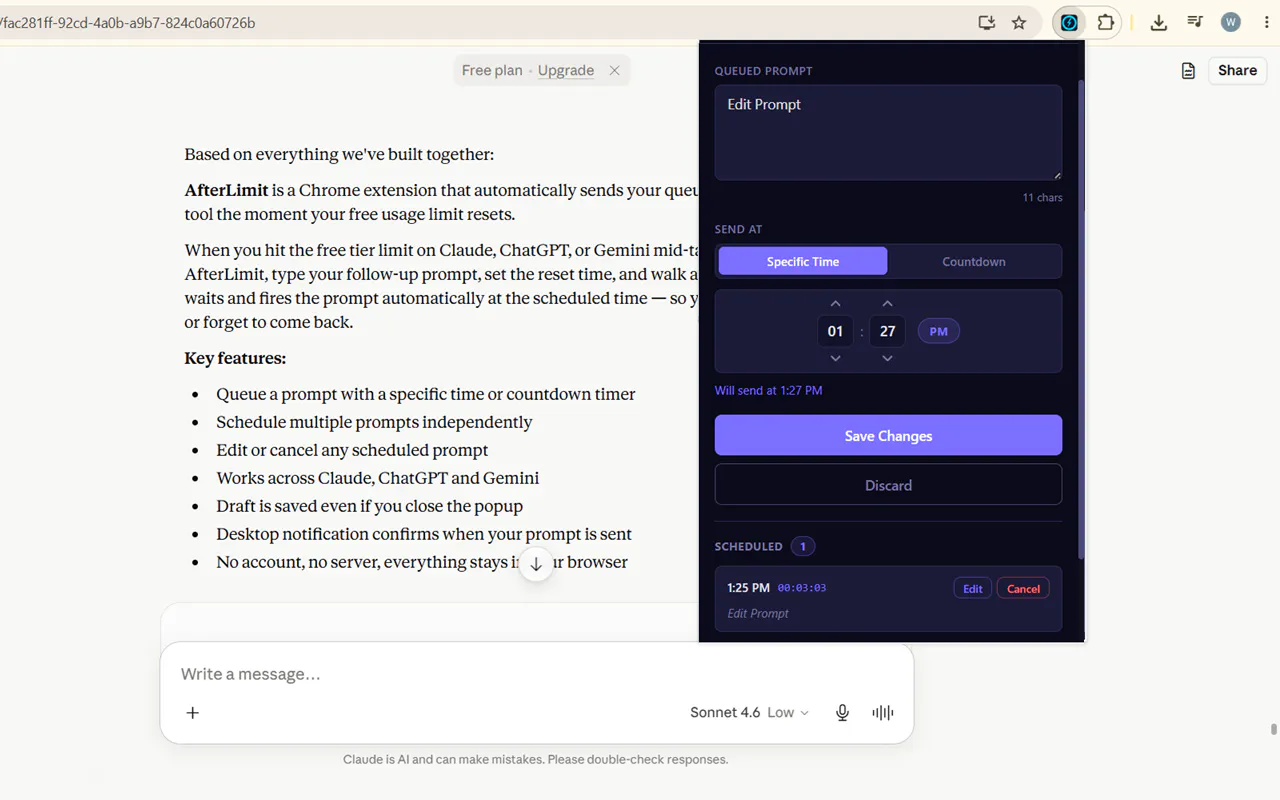
You're mid-workflow. Claude, ChatGPT, or Gemini hits its free limit. You close the tab, forget to come back, and lose your train of thought entirely. AfterLimit fixes that. How it works: 1. Open AfterLimit, type/paste your follow-up prompt 2. Pick when it should send — right when your limit resets, or any time you choose 3. Walk away 4. Your prompt sends automatically, exactly on time
投票数: 0